Guide
Set up Venice AI for VeloPixels
VeloPixels edits your photos with Venice AI using your own account. This takes about 5 minutes and you only need to do it once.
- About 5 minutes
- $10 minimum top-up
- Credits never expire
What is Venice AI?
Venice AI is the AI service that does the actual photo editing. You pay Venice directly for what you use, so VeloPixels never adds a markup.
1Create an account
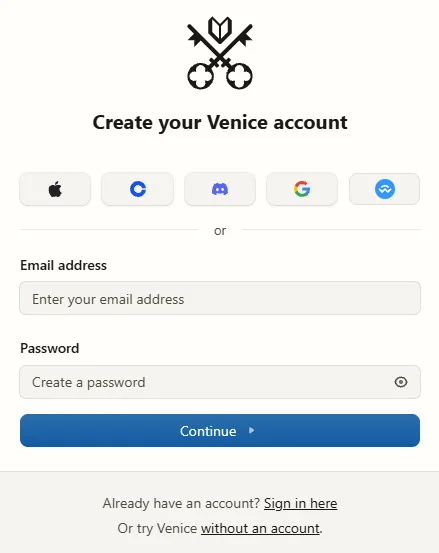
Go to venice.ai and sign up with your email, or with one of the sign-in options at the top.
2Add API credits
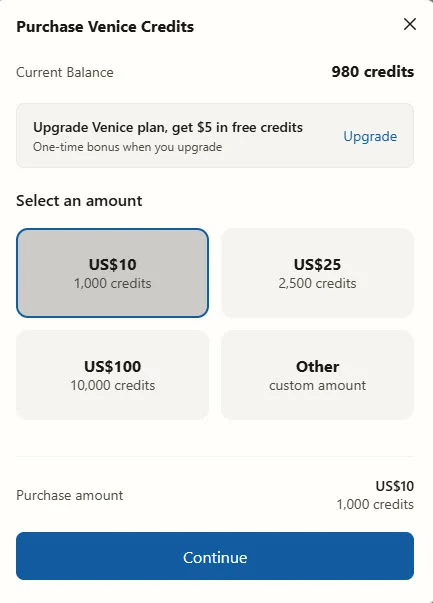
Open the API section of your Venice account and add credits. The minimum top-up is $10. Credits never expire.
3Create an API key
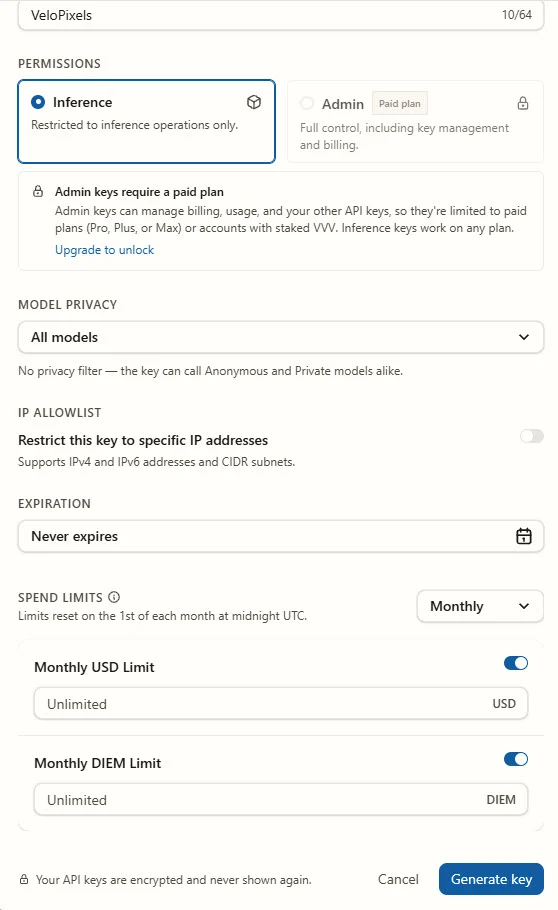
Create a new API key and give it a name you will recognize, like VeloPixels. Choose the Inference permission; you don't need an Admin key. You can leave the other options as they are, or set a monthly spend limit if you want a cap. Then click Generate key.
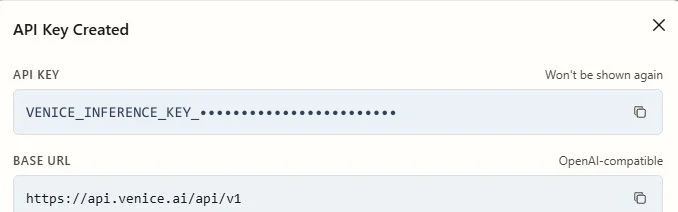
Copy the key from the next screen.
4Connect VeloPixels
Desktop App
Settings → Venice API Key → paste → Save & Test
Browser Extension
Settings → Venice API Key → paste → Test connection → Save settings
When the test passes, pick a model from the list and you're ready to edit.
What it costs
| Minimum top-up | $10 |
|---|---|
| Cost per edit | from about $0.04, by model |
| Roughly | up to 250 edits per $10 |
| With GPT Image 2 | about $0.34 per edit |
The real price depends on the model. You can see each model's price per edit in the VeloPixels model list.
Keep your key safe
- Don't share your key with anyone.
- If your key leaks, delete it in Venice and create a new one.
- VeloPixels will never ask for your key by email, including from [email protected].